
Design Template
Every good design project starts with a clear brief and ends with a structured review. This pack gives designers, agencies and clients editable templates for the whole process: design and creative briefs, a brand style guide, a mood board layout, a design review checklist and a feedback log.
- Instant download
- Editable Word & Excel
- Print-ready PDF
- 7-day refund
6 files · DOCX, PDF, XLSX
Design Brief & Style Guide Templates
Editable design brief, creative brief, brand style guide, mood board layout, design review checklist and feedback log.
- Design brief (DOCX)
- Creative brief (DOCX)
- Brand style guide (DOCX)
- + 3 more
$7.00 USD, one-time 6 files · about $1.17 each
- Instant download
- 7-day refund
- Secure checkout by Stripe
7-day money-back guarantee. Full refund within 7 days of purchase, even after you download.
Free sample: Design Brief (PDF, 52 KB)
Design Brief & Style Guide Templates
Editable design brief, creative brief, brand style guide, mood board layout, design review checklist and feedback log.
- Design brief (DOCX)
- Creative brief (DOCX)
- Brand style guide (DOCX)
- Mood board layout (PDF)
- Review checklist (PDF, DOCX)
- Feedback log (XLSX)
Formats: DOCX, PDF, XLSX. Instant download after payment (link valid 72 hours, up to 5 downloads). AI-assisted: the templates were drafted with AI help and reviewed and laid out before publishing.
$7.00 USD, one-time 6 files · about $1.17 each
- Instant download
- 7-day refund
- Secure checkout by Stripe
7-day money-back guarantee. Full refund within 7 days of purchase, even after you download.
Free sample: Design Brief (PDF, 52 KB)
Full refund within 7 days — see the refund policy and license.
Free printables
Single sheets you can print right now, no sign-up. The full pack adds every sheet in one download plus the editable files.
 Printable Design Brief Template
 Printable Creative Brief Template
 Printable Brand Style Guide Sheet
 Printable Mood Board Layout
 Printable Design Review Checklist
 Printable Design Feedback Log
Templates in the pack
| Template | Used for |
|---|---|
| Design brief | Defining the project: goals, audience, deliverables, constraints, budget and timeline |
| Creative brief | The core message and tone for campaigns and content |
| Brand style guide | Logo use, colours, typography, imagery and voice |
| Mood board layout | Collecting visual references before design starts |
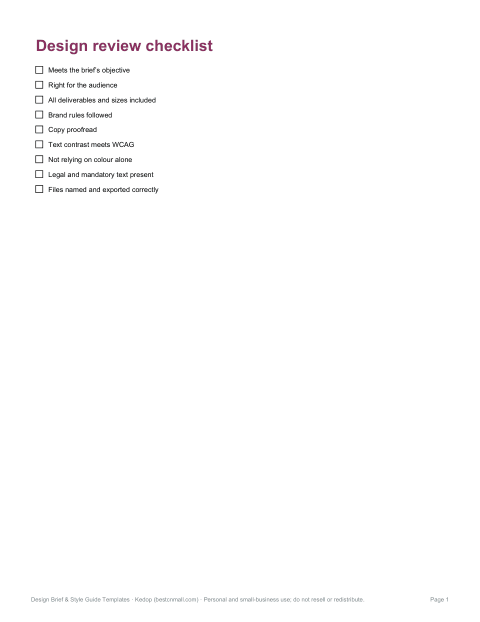
| Design review checklist | Checking designs against the brief before sign-off |
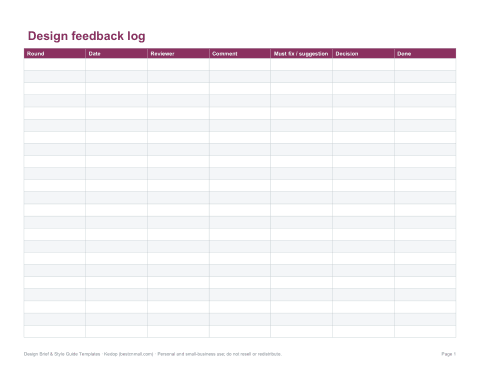
| Feedback and revision log | Tracking comments, decisions and revision rounds |
What makes a good design brief
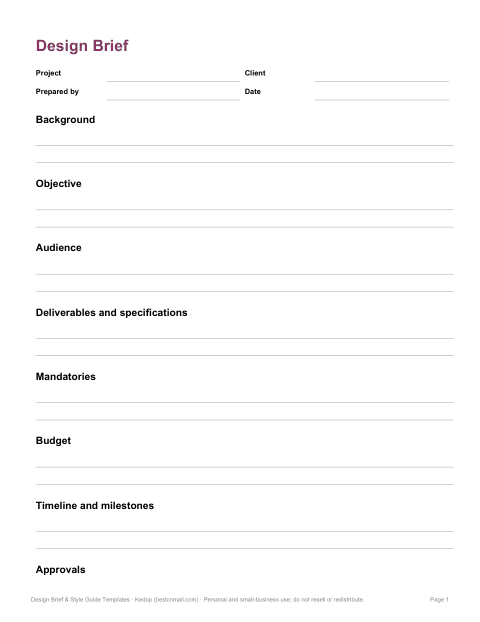
- Background — who the client is and why the project exists.
- Objective — the one thing the design must achieve, measurable if possible.
- Audience — who it is for, what they care about and where they will see it.
- Deliverables — formats, sizes, number of concepts and final files.
- Mandatories — logos, legal text, brand rules and accessibility requirements.
- Budget and timeline — milestones, review dates and launch date.
- Approvals — who gives feedback and who signs off.
A brief should fit on one or two pages. If it cannot, the project may need splitting.
Design brief vs creative brief
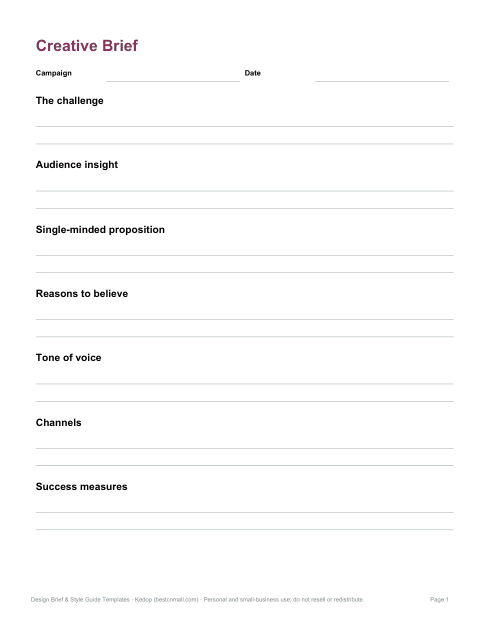
The terms overlap, but a design brief usually focuses on the practical scope of a design job — deliverables, specifications and timing — while a creative brief focuses on the message: the insight, the single-minded proposition, the tone and the reasons to believe. Campaign work often uses both; a simple logo or web page project may need only the design brief.
Building a brand style guide
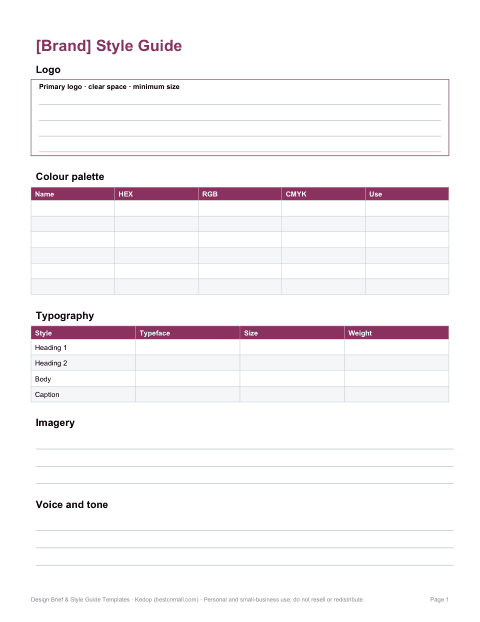
- Logo — versions, clear space, minimum size and what not to do.
- Colour — primary and secondary palettes with HEX, RGB and CMYK values, and accessible text combinations.
- Typography — typefaces, sizes and hierarchy for headings and body text.
- Imagery — photography style, illustration and iconography.
- Voice and tone — how the brand writes, with examples.
- Templates — examples of common layouts.
Running better design reviews
Review designs against the brief, not personal taste. Start by restating the objective and audience, then ask whether the design achieves it. Separate must-fix issues (errors, brand or accessibility problems) from suggestions. Consolidate feedback from all stakeholders before sending it to the designer, and record decisions so the same point is not reopened in the next round. Agree the number of revision rounds up front in the brief.
Accessibility checks
- Text contrast meets WCAG guidance — 4.5:1 for normal text, 3:1 for large text.
- Information is not conveyed by colour alone.
- Body text is large enough for the medium.
- Images that carry meaning have alternative text planned for digital use.
- Interactive elements are large enough to tap on mobile.
Who it is for
Freelance designers, in-house design teams, agencies, marketing managers and small-business owners commissioning design work. The templates suit graphic, web, packaging and product design projects.
Formats
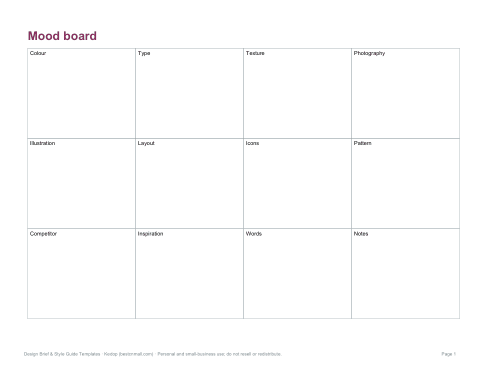
Briefs, style guide and checklist are editable Word files with PDF copies; the feedback log is an Excel workbook. The mood board layout is a PDF with frames to paste or draw references.
Tips for clients commissioning design
Share examples of designs you like and dislike, and explain why. Be honest about budget and deadlines; they shape what is possible. Nominate one person to consolidate feedback. Give feedback on the problem rather than the solution — “the price is hard to find” is more useful than “make the price red”. And allow time for the designer to explore; the first round is for direction, not polish.
Frequently asked questions
What should be in a design brief?
Background, objective, audience, deliverables, mandatories, budget, timeline and approvals.
What is the difference between a design brief and a creative brief?
A design brief sets practical scope; a creative brief sets the message and tone.
Can I use the templates for client work?
Yes, you can use them for your own and client projects; you may not resell the templates themselves.
Are the templates editable?
Yes, they are Word and Excel files.
Was AI used to create the templates?
The templates were drafted with AI assistance and then reviewed, edited and formatted before publishing.